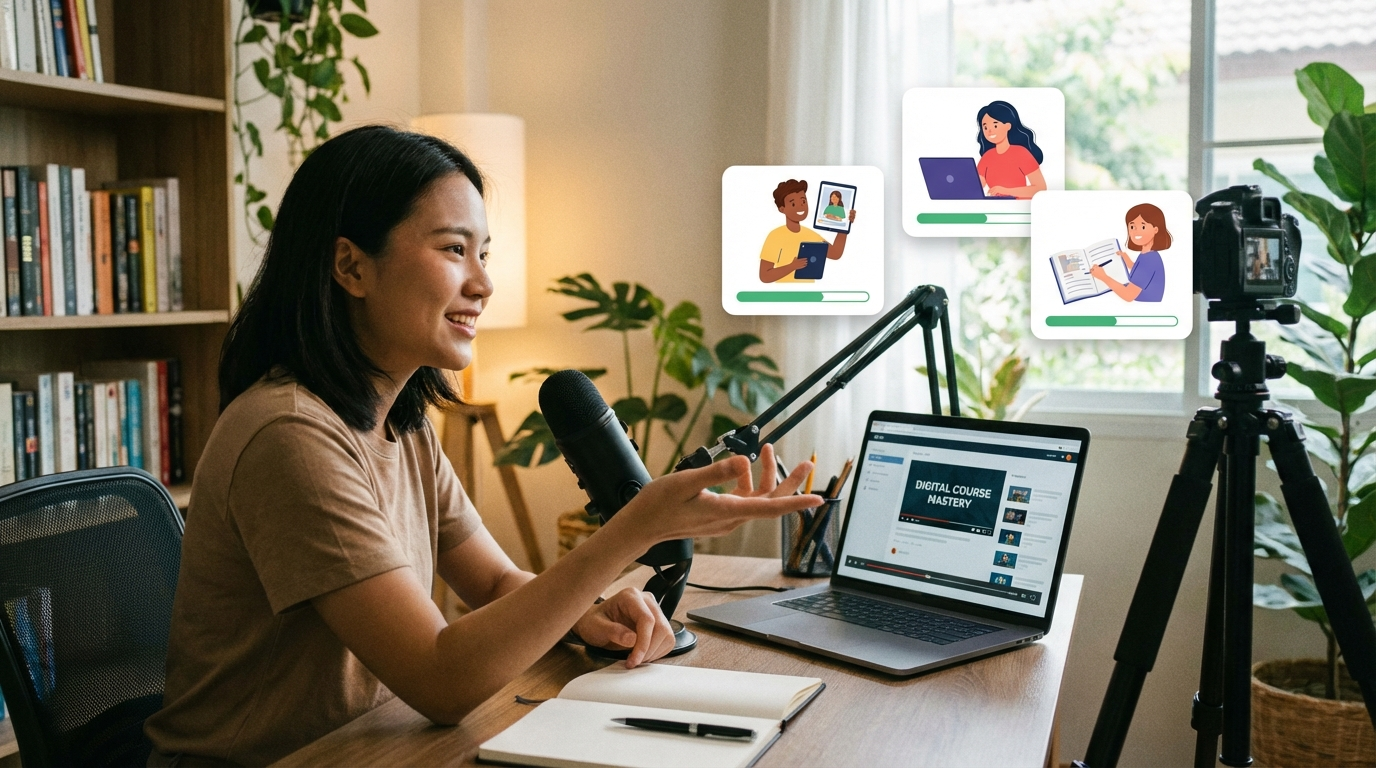
The most common reason people don't create an online course is "I don't have an audience." The second most common reason is "I don't know what I'd teach." Both are excuses, not obstacles. Thousands of people sell profitable online courses every year with zero following and no existing audience — they just know how to find the right buyers for the right problem.
This guide walks through how to create and sell an online course from scratch in 2026: validating the idea before you build it, creating it efficiently, pricing it correctly, and finding your first 10 paying students without a social media following.
📌 The truth about online courses: You don't need to be the world's best expert. You only need to be 10 steps ahead of your student. Someone who learned Excel last year can teach a beginner. Someone who started Etsy 6 months ago can teach someone starting today. Knowledge gaps are everywhere.
Step 1: Validate Your Course Idea Before Building It
The biggest mistake new course creators make is spending months building a course nobody buys. Validate first. Build second.
How to validate in 2 weeks:
- Find where your audience lives: Reddit, Facebook Groups, Discord communities, LinkedIn, Quora. Search for questions about the problem you want to solve. If hundreds of people are asking the same question, that's market demand.
- Ask directly: Post in those communities: "I'm thinking about creating a course on [topic]. Would this be useful for you? What's your biggest challenge with [topic]?" Honest feedback from 20 strangers is worth more than 100 opinions from friends.
- Pre-sell before building: Create a landing page with a description of the course and a "founding member" price (30–50% off). If 5–10 people pay before the course exists, you have validation. If nobody bites, either the problem isn't painful enough or your positioning is off.
- Check existing demand: Search your topic on Udemy. If there are courses with 5,000+ students on the topic, demand is proven. If Udemy doesn't have it, it might be too niche — or an untapped opportunity.
Step 2: Design Your Course Curriculum
Course design is where most creators overcomplicate things. Students don't want comprehensive — they want transformation. They want to go from Point A (their current problem) to Point B (the solution) as efficiently as possible.
The backwards design method:
- Define the outcome: What will your student be able to do after completing your course?
- List the milestones: What 4–8 achievements need to happen between now and that outcome?
- Build backwards: For each milestone, what does the student need to know or do? Those become your lessons.
A solid beginner course structure: 4–8 modules, 3–5 lessons per module, 10–15 minutes per lesson. Total course time: 3–6 hours. That's enough to deliver genuine transformation without overwhelming students.
Keep it tight. Padding your course with extra content doesn't increase its value — it increases its completion rate problem. Students who finish courses leave reviews. Students who get overwhelmed and quit don't.
Step 3: Create the Course Without Expensive Equipment
You don't need a studio, a $2,000 camera, or professional editing software. Here's what works in 2026:
- Screen recordings: For software tutorials, workflow guides, or anything where you're demonstrating on a computer, Loom or OBS Studio (free) is all you need. Speak clearly, share your screen, record. Many $200 Udemy bestsellers are 100% screen recordings.
- Slides with voiceover: Design simple slides in Canva or Google Slides, record your voice narrating them. No camera needed. This works for conceptual lessons, frameworks, and theory-heavy content.
- Phone camera for talking head: If you want face-on-camera, a modern iPhone or Android in good natural lighting produces completely professional results. A $20 phone stand and a window are your studio setup.
- AI voice for narration: Some creators use AI-generated voiceover (ElevenLabs, Murf) for their lessons. It's acceptable if the content quality is high. Not ideal for premium priced courses, but perfectly fine for $49–$99 price points.
Editing: CapCut (free) handles basic cuts, captions, and music. You don't need After Effects. Spend your time on content quality, not production complexity.
Step 4: Choose Where to Host Your Course
Your platform choice affects your revenue per sale significantly. The main options:
- Teachable: Clean, student-friendly interface. Free plan available (5% transaction fee). Paid plans from $39/month. Great for beginners — handles payments, delivery, and student management. Best starting platform if you want an all-in-one solution.
- Gumroad: Not a dedicated course platform but works well for video courses. 10% fee, no monthly cost, incredibly simple. Great for low-price mini-courses and testing ideas.
- Udemy: Built-in audience of 65M+ students. You don't need any marketing. The downside: Udemy controls pricing (courses constantly on sale for $13–$20), they take 50% of organic sales, and you don't own the student relationship. Use Udemy for reach + proof, sell your own course at full price on your own platform.
- Skool: Combines course hosting with community. Growing fast in 2026. Monthly subscription model works well here. $99/month platform fee, but community engagement increases student outcomes and retention.
- Kajabi: Premium, all-in-one platform. $149/month. Best if you're building a full online education business with multiple products. Overkill for first-time course creators.
Recommendation for beginners: Start on Teachable free plan or Gumroad. Graduate to a paid platform once you're generating consistent revenue.
Step 5: Price Your Course Correctly
Underpricing is the most common mistake. Here's why: a $27 course signals low value and attracts buyers who won't do the work. A $197 course signals seriousness and attracts students who invest effort — and are more likely to get results, leave reviews, and refer others.
Pricing guidelines by course depth:
- Mini-course (1–2 hours, one specific outcome): $27–$97
- Full beginner course (4–8 hours, complete skill): $97–$297
- Advanced or niche course (specialist knowledge): $297–$997
- Coaching program (course + live calls + community): $997–$5,000+
For your first course with no reviews, price 20–30% below what your target market expects. Get 10 students, collect testimonials, and raise the price. Social proof is worth more than any sales technique.
Step 6: Find Your First 10 Students Without an Audience
This is the part most guides skip. Here's what actually works when you have zero followers:
- Personal network (underused): Tell 50 people you know. Not "would you buy this" — tell them you've created a course and ask if they know anyone who would benefit. Two warm referrals per person is 100 potential buyers. Most people dramatically underutilise their own network.
- Reddit/Facebook Group launch: Find communities where your student lives and genuinely help people. After a week of adding value, mention you've created a course solving the problem they keep asking about. Post an introductory price for community members.
- LinkedIn DMs: Identify 50 people who fit your student avatar (job title, industry, recent posts about your topic). Send a personalised message sharing what your course does and offering a founding member discount.
- Cold outreach with free value: Send 20 people a free lesson from your course with no strings attached. Maybe 3–5 will buy the full course. Include a link to your sales page at the end of the free content.
- Udemy as a lead source: Upload a free or low-cost mini-version of your course on Udemy. Include links to your full course on your own platform. Udemy traffic generates initial proof and email subscribers you can sell to later.
The 90-Day Course Launch Plan
Month 1: Validate idea, collect 5 pre-sales at founding member price, build course outline.
Month 2: Record all lessons, build course on platform, set up payment. Deliver to founding members. Collect feedback and testimonials.
Month 3: Official launch with testimonials. Post in communities, run DM outreach, post on social media. Target 30–50 total students by end of month 3.
At 50 students paying $97 each, that's $4,850. With an email list built from those students, your second launch is easier. Your third is easier still. Course income compounds because social proof, word of mouth, and SEO (if you blog about the topic) all improve over time.
For more on building passive income streams with digital products, see our digital products guide and our honest look at passive income expectations.
Want a weekly guide to building income with digital products?
Strategies, tools, and honest income reports from people doing it for real.