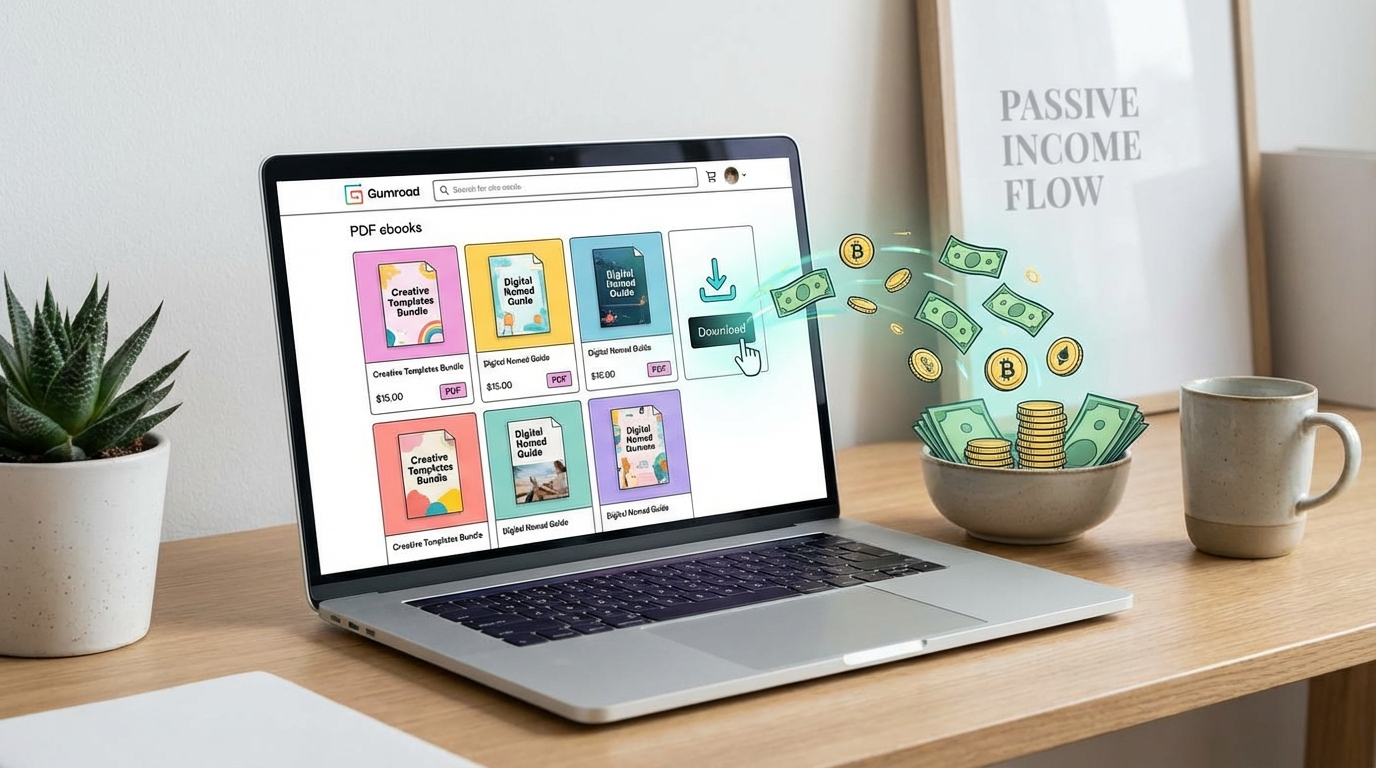
Gumroad is one of the simplest platforms on the internet to sell digital products. No coding, no Shopify subscription, no website needed. You set up a free account, upload your file, set a price, and share your link. When someone buys, Gumroad handles payment processing and delivery automatically — and you keep 90%+ of the revenue.
Thousands of creators are making $500–$20,000/month on Gumroad selling PDFs, templates, mini-courses, code snippets, music, and more. Here's exactly how to join them.
📌 The Gumroad advantage: Zero monthly fees (they take 10% per sale on the free plan). No minimum payout. No algorithm to fight — you own your customer list. Perfect for testing product ideas before building a full website.
What Can You Actually Sell on Gumroad?
Gumroad supports almost every type of digital product. The best-selling categories in 2026:
- PDF guides and ebooks: Actionable how-to guides in niches like finance, fitness, productivity, design, or any skill you have. A 30-page PDF that solves a specific problem can sell for $9–$49 and requires zero ongoing work after creation.
- Templates: Notion templates, Excel spreadsheets, Google Slides decks, Canva templates. Creators regularly earn $3,000–$8,000/month selling template bundles at $15–$39 each.
- Mini-courses and video lessons: Gumroad lets you host video content. A 5-video mini-course ($29–$97) on a niche skill can outperform a full Udemy course in monthly earnings because you keep most of the revenue.
- Presets and creative assets: Lightroom presets, Photoshop actions, music loops, fonts, icon packs. Once created, these sell indefinitely.
- Code and plugins: VS Code themes, WordPress plugins, Chrome extensions, automation scripts. Developer products have very low competition on Gumroad and buyers pay a premium.
- Prompt packs: Collections of tested ChatGPT, Midjourney, or Claude prompts for specific use cases. The AI tools market is massive and this category is still early.
- Memberships: Gumroad supports recurring subscriptions. Charge $7–$29/month for access to an exclusive community, content updates, or resource library.
How to Set Up Your Gumroad Store
Setting up Gumroad takes under an hour. Here's the process:
- Create a free account at gumroad.com. Your profile page becomes your storefront — add a profile photo, bio, and social links to build trust.
- Create your first product: Click "New Product." Choose the type (digital file, course, membership). Upload your file or content. Write a compelling product description.
- Set your price: Gumroad supports fixed pricing, "pay what you want" (with a minimum), and free downloads. For your first product, consider offering it free or at a low price to collect reviews and email subscribers.
- Write a killer sales page: Your Gumroad product page IS your sales page. Include what the product is, who it's for, what they'll get, and a clear benefit statement. Add screenshots or previews. The more specific, the better.
- Connect your payout method: Gumroad pays via Stripe (bank transfer) or PayPal. Set this up before you start promoting.
That's it. Your store is live. Now the real work begins: getting people to it.
How to Drive Traffic to Your Gumroad Products
Gumroad doesn't have its own search engine (unlike Etsy). You need to bring your own traffic. The creators making serious money on Gumroad all have at least one consistent traffic channel. Here's what works:
Twitter/X (Highest ROI for Gumroad)
Twitter is the #1 traffic source for Gumroad sellers. The platform is full of people who want to learn, build, and buy digital products. A single tweet about your product from an account with 5,000+ engaged followers can generate $1,000+ in sales in 24 hours.
Build an audience by sharing your knowledge in your niche. Post daily. Share what you're building, what you've learned, and small wins. When you have 1,000+ followers who care about your content, launching a product is straightforward.
Newsletter (Best Long-Term Asset)
Build an email list, even a small one. Offer a free Gumroad product as a lead magnet to grow your list. When you launch new products, email your list first. A 500-person engaged email list can generate more sales than a 10,000-person social media following. Use Jasper AI to speed up your email writing and save hours each week.
Reddit and Niche Communities
Find subreddits or Discord communities where your target buyer hangs out. Don't spam — participate, add value, and mention your product only when genuinely relevant. One helpful comment in r/notion or r/personalfinance can drive hundreds of downloads.
Pinterest (Underrated, Long-Lasting Traffic)
Pinterest pins rank in Google and get traffic for months or years. Create a Pinterest account in your niche, design pins linking to your Gumroad products, and post consistently. It's slow to start but compounds over time — great for ebooks, templates, and planners.
Gumroad Pricing: How Much Can You Keep?
Gumroad takes a 10% fee on all sales on the free plan. There's no monthly fee. On the Gumroad Pro plan ($10/month), the fee drops to 0% — worth it once you're making $200+/month in sales.
They also take the standard payment processing fee (~2.9% + 30c via Stripe). So on a $20 sale, you net roughly $17.60 on the free plan, or $19.42 on Pro.
Compare this to Etsy (6.5% transaction fee + listing fees + payment processing) or Teachable (up to 5% on lower plans). Gumroad's simplicity and fee structure make it the best starting platform for first-time digital product sellers.
Real Gumroad Income Examples
To set realistic expectations:
- A Notion productivity template bundle at $19 with 50 sales/month = $855/month.
- A freelance copywriting guide at $39 with 40 sales/month = $1,404/month.
- A logo design pack at $29 with 100 sales/month = $2,610/month.
- A 5-video mini-course on Excel for beginners at $67 with 30 sales/month = $1,809/month.
These numbers are achievable once you have a working traffic channel and a product that genuinely solves a problem. The first 10 sales are the hardest. After that, social proof (reviews, download counts) does a lot of the selling for you.
Tips for Maximising Your Gumroad Revenue
- Use "pay what you want" strategically: Set a minimum price but allow buyers to pay more. Top buyers often pay 2–5x the minimum. Gumroad shows you the average paid — it's usually higher than you'd expect.
- Offer discounts for follow-up products: When someone buys, include a discount code for your next product in the delivery email. Email sequences built through Gumroad can dramatically increase lifetime customer value.
- Launch products publicly: Post about it, create anticipation, offer an early-bird price. Public launches generate spikes that then level into consistent passive sales.
- Add video previews: Products with video previews have 30–40% higher conversion rates. Even a 60-second screen recording walkthrough makes a difference.
- Build a product ecosystem: Your best buyers will buy everything you create. Build related products that complement each other and bundle them for higher-value purchases.
Gumroad is one of the best starting points for passive income because the technical barrier is essentially zero. The only barrier is creating something worth selling. Start with what you already know — there's a buyer for almost every skill and knowledge base. For more on this topic, read our complete guide to selling digital products online.
Want to know what digital products are selling right now?
Weekly roundup of what's working, what's not, and how to get your first sale.