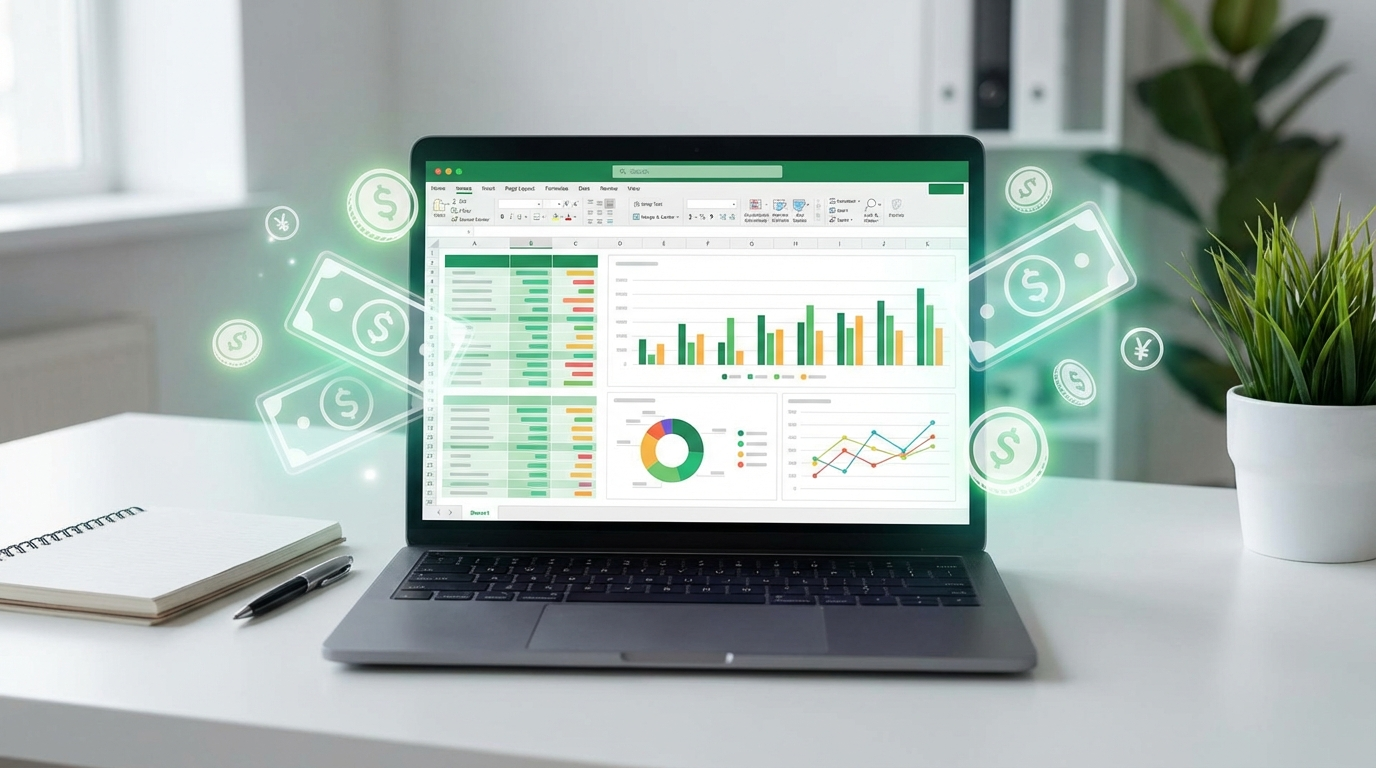
Selling spreadsheets is one of the most underrated digital product businesses in 2026. No design skills. No coding. No inventory. Just Google Sheets or Excel, a clear understanding of a problem, and a marketplace to sell on. Spreadsheet creators are quietly earning $2,000 to $15,000 per month selling budget trackers, business calculators, project management tools, and financial models to people who need organized solutions but do not want to build them from scratch.
The spreadsheet market has exploded because of one simple truth: everyone uses spreadsheets, and almost nobody enjoys building them. Small business owners need profit calculators. Freelancers need invoice trackers. Families need budget planners. Students need study schedules. The demand is enormous and growing, especially as economic uncertainty pushes more people to get serious about tracking their money and time.
📌 Key stat: The digital template market on Etsy alone grew 35% year-over-year in 2025-2026. Top spreadsheet sellers report 200-500 sales per month with average prices of $8-$25 per template. That is $1,600-$12,500/month from digital files with zero marginal cost per sale.
Why Spreadsheets Are the Perfect Digital Product
Compared to other digital products, spreadsheets have unique advantages that make them ideal for beginners and experienced sellers alike:
- Zero production cost: Google Sheets is free. Excel comes with most computers. Your only investment is time.
- No design skills needed: Clean formatting and clear labels beat fancy graphics. Function over form wins in this market.
- Infinite scalability: Sell one spreadsheet to 10,000 people. The file never runs out. No shipping, no inventory, no fulfillment headaches.
- High perceived value: A well-built financial calculator that saves someone 5 hours of work is easily worth $15-$50. The value proposition is straightforward.
- Recurring potential: Annual budget templates, quarterly business trackers, and seasonal planners create natural repeat purchase cycles.
- Bundle opportunities: Sell individual spreadsheets for $10-$15 or bundle 5-10 related templates for $39-$79. Bundles increase average order value dramatically.
The best part? You can build your first sellable spreadsheet in a single weekend. No months of development. No beta testing. Build it, list it, start selling.
Most Profitable Spreadsheet Niches in 2026
Personal Finance
This is the largest and most consistent market. Monthly budget trackers, debt payoff calculators, savings goal trackers, net worth dashboards, and investment portfolio trackers all sell well. The personal finance niche benefits from New Year's resolution cycles, tax season, and ongoing economic anxiety that drives people to get their finances under control.
Price range: $5-$20 per template, $29-$59 for bundles
Small Business Tools
Small business owners need profit and loss trackers, invoice generators, inventory management systems, client CRMs, project budgets, and cash flow forecasters. These spreadsheets command higher prices because they directly impact business outcomes. A $25 P&L tracker that helps a business owner understand their margins pays for itself in one insight.
Price range: $15-$50 per template, $59-$149 for bundles
Freelancer and Side Hustle Trackers
Income trackers, expense categorizers, tax estimate calculators, client management sheets, and project time trackers. The freelance economy keeps growing, and most freelancers are terrible at tracking their business finances. These spreadsheets solve an urgent, recurring pain point.
Price range: $8-$25 per template
Health and Fitness
Workout log templates, meal planning spreadsheets, calorie trackers, habit trackers, and supplement tracking sheets. The fitness market is always active, with seasonal spikes in January and pre-summer months.
Price range: $5-$15 per template
Real Estate and Property
Rental property calculators, mortgage comparison tools, house flipping profit analyzers, and property portfolio trackers. Real estate investors are willing to pay premium prices for tools that help them analyze deals accurately.
Price range: $15-$40 per template
How to Build Spreadsheets That Sell
Start With the Problem, Not the Spreadsheet
Before opening Google Sheets, identify the exact problem your spreadsheet solves. Browse Etsy reviews on existing spreadsheet products. Look at what buyers praise and what they complain about. Search Reddit for threads like "I need a spreadsheet that..." or "Does anyone have a template for..." These are goldmines for product ideas.
Keep It Simple and Beautiful
The biggest mistake new spreadsheet sellers make is overcomplicating things. Your spreadsheet should have: a clear instruction tab, intuitive input fields with labels, automatic calculations, conditional formatting for visual clarity, and a clean color scheme (stick to 2-3 colors max).
Users should be able to open the spreadsheet and start entering data within 60 seconds. If they need a tutorial to use it, it is too complex.
Use These Pro Formatting Tips
- Lock formula cells so users cannot accidentally break calculations
- Use data validation for dropdown menus (categories, months, status fields)
- Add conditional formatting (green for positive, red for negative)
- Create a dashboard tab that summarizes key metrics visually
- Include sample data so buyers can see it in action before clearing and entering their own
- Test on both Google Sheets and Excel to ensure compatibility
Create Both Google Sheets and Excel Versions
Some buyers prefer Google Sheets (free, cloud-based, shareable). Others prefer Excel (offline, more powerful formulas, corporate standard). Offering both versions increases your addressable market significantly. Most formulas translate directly between the two, but always test both versions before listing.
Where to Sell Your Spreadsheets
Etsy (Best for Beginners)
Etsy is the largest marketplace for digital products and the easiest place to start. The built-in audience means buyers are already searching for spreadsheet templates. Listing fees are $0.20 per item, and Etsy takes a 6.5% transaction fee. Most successful spreadsheet sellers have 20-100 listings and earn $1,000-$10,000/month.
Key tip: SEO is everything on Etsy. Research keywords with EverBee or Marmalead and optimize your titles, tags, and descriptions for the exact phrases buyers search for.
Gumroad (Best for Direct Sales)
Gumroad lets you sell directly without marketplace competition. You control the branding, pricing, and customer relationship. It takes a 10% fee on the free plan or 5% on the premium plan. Best used alongside content marketing — a blog post or YouTube video about budgeting that links to your budget spreadsheet converts incredibly well.
Your Own Website (Best for Long-Term)
Once you have proven sellers, build a simple website to sell directly. Use WordPress with Easy Digital Downloads or a simple Shopify store. You keep more profit and own the customer email list, which lets you market new products and bundles directly.
Marketing Spreadsheets Without Paid Ads
You do not need a marketing budget to sell spreadsheets. Content marketing is the most effective strategy:
- YouTube tutorials: Create a video showing how to use your spreadsheet. "How I Track My Budget Using This Free Template" — then link to the paid full version in the description.
- Pinterest pins: Spreadsheets are surprisingly popular on Pinterest. Create visually appealing pins showing your spreadsheet dashboard and link to your listing.
- TikTok demos: Short videos showing the spreadsheet in action. "Watch me set up my monthly budget in 60 seconds" performs well in the personal finance niche.
- Blog posts: Write SEO-optimized articles about the problem your spreadsheet solves. "How to Create a Monthly Budget in 2026" with a CTA to download your template.
- Reddit value posts: Share genuinely helpful spreadsheet tips in relevant subreddits. Do not spam your product link. Provide value first, and curious users will check your profile and find your shop.
Pricing Strategy That Maximizes Revenue
Pricing is where most beginners leave money on the table. Here is a strategy that works:
- Individual templates: $7-$19 depending on complexity and niche
- Mini bundles (3-5 related templates): $29-$49
- Complete bundles (10+ templates): $59-$99
- Premium/professional tools: $29-$79 for single complex spreadsheets (business financial models, investment analyzers)
Offer a free sample spreadsheet as a lead magnet to build your email list. People who download a free budget template are prime buyers for your paid business finance bundle.
💡 Pro tip: Create a "lifetime updates" version at a higher price point. Buyers pay $29 instead of $12 knowing they will get every future update and addition to the spreadsheet. This increases revenue per sale by 40-60% and creates a reason for ongoing engagement.
Scaling From Side Hustle to Full Business
The path from first sale to full-time income follows a clear progression:
- Month 1-2: Build 5-10 spreadsheets in one niche. List on Etsy. Target: first 10 sales.
- Month 3-4: Optimize listings based on data. Create bundles. Start one content channel (YouTube or Pinterest). Target: 30-50 sales/month.
- Month 5-8: Expand to 20-30 listings. Create a Gumroad storefront. Build an email list. Target: 100+ sales/month.
- Month 9-12: Launch your own website. Create premium products. Diversify marketing channels. Target: 200-500 sales/month ($2,000-$10,000/month).
The key is consistency. Each new spreadsheet you create is another asset that sells while you sleep. Over 12 months, a catalog of 30-50 high-quality spreadsheets creates a diversified revenue stream that is remarkably stable.
Using AI to Speed Up Creation
AI can dramatically accelerate your spreadsheet business. Use ChatGPT or Claude to generate formula logic, create sample data sets, write listing descriptions, and brainstorm product ideas. You can even describe a complex spreadsheet concept and have AI write the formulas before you build the visual layout.
However, always test AI-generated formulas thoroughly. AI occasionally produces formulas with subtle errors that break under certain conditions. Build, test with real data, test with edge cases, then list.
Get Started This Weekend
Here is your action plan:
- Pick one niche (personal finance is the safest starting point)
- Build a simple monthly budget tracker in Google Sheets
- Add clean formatting, a dashboard tab, and sample data
- Create an Excel version
- List on Etsy with optimized SEO
- Create a Pinterest pin and one short TikTok video showing it in action
- Repeat with a new spreadsheet next weekend
Selling spreadsheets is not glamorous. Nobody is making viral TikToks about their Google Sheets empire. But that is exactly why it works. Low competition, high demand, zero overhead, and infinite scalability. The best boring business you can start this year.
For related guides, check out how to sell digital products in 2026 and the best Etsy digital downloads to sell.