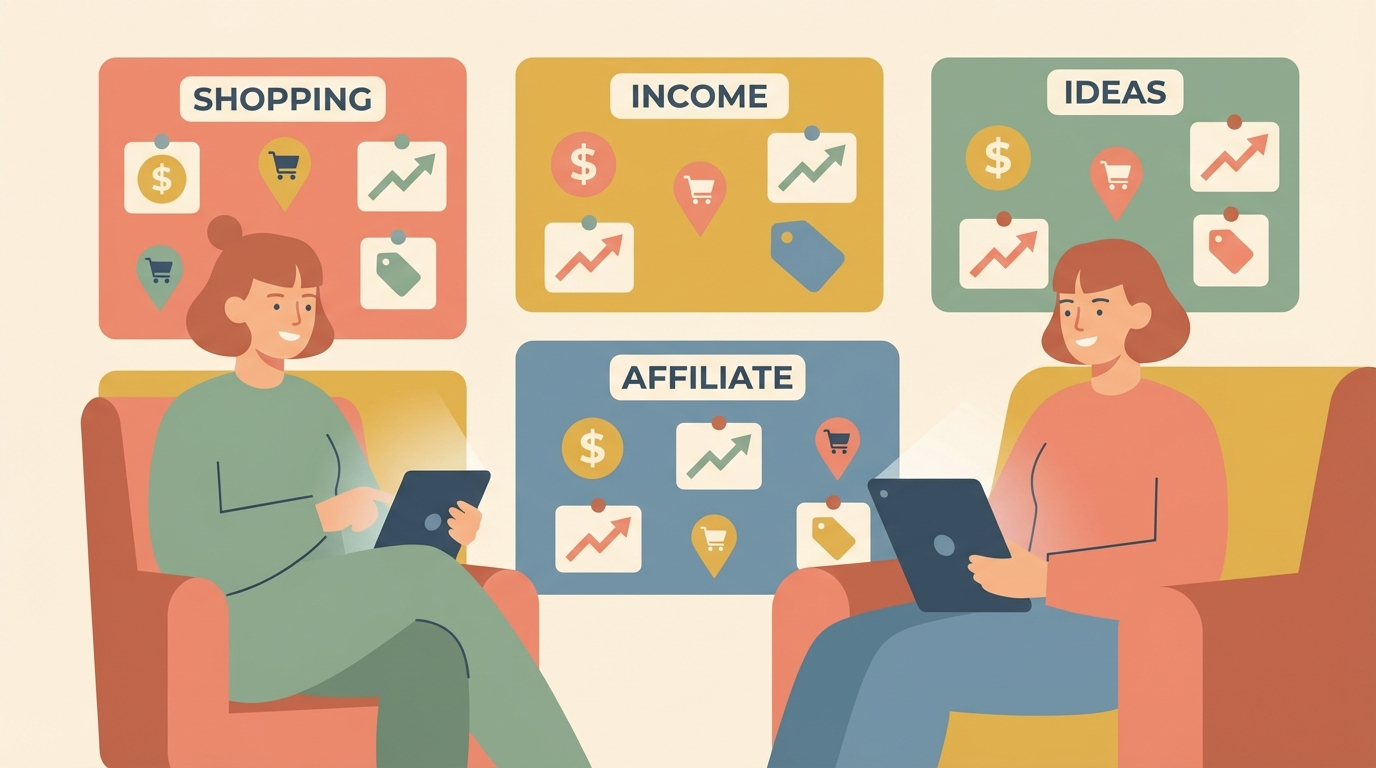
Pinterest is not a social media platform. It is a visual search engine with over 600 million monthly active users, and most of them are actively looking to buy something. Unlike Instagram or TikTok where your content dies in 48 hours, a single Pinterest pin can drive traffic and earn commissions for months or even years after you publish it.
That makes Pinterest one of the best platforms for affiliate marketing in 2026. You do not need a blog. You do not need a following. You need the right pins, the right keywords, and a system that compounds over time. Here is the complete playbook.
📌 Why Pinterest? 85% of weekly Pinterest users have made a purchase based on pins they saw. Users come to Pinterest with buying intent. They are planning, shopping, and saving ideas. That is the perfect audience for affiliate recommendations.
How Pinterest Affiliate Marketing Works
The model is simple. You create visually appealing pins that feature products or solutions. Each pin links to an affiliate URL. When someone clicks your pin and makes a purchase, you earn a commission. Pinterest allows direct affiliate links, meaning you can skip the blog entirely if you want.
There are two main approaches:
- Direct linking: Your pin links straight to an affiliate product page. Less work, but lower trust and conversion rates. Works best for well-known products that sell themselves.
- Bridge method: Your pin links to a blog post, landing page, or email opt-in that then contains affiliate links. More work upfront, but significantly higher conversions because you are building trust before asking for the sale.
Both methods work. If you are just starting out and want zero overhead, direct linking gets you earning faster. If you want to build a real asset, the bridge method creates compounding value over time.
Best Niches for Pinterest Affiliate Marketing in 2026
Not all niches perform equally on Pinterest. The platform skews toward visual, aspirational content. Here are the top-performing niches right now:
- Home decor and organization: Storage solutions, furniture, smart home gadgets. Amazon Associates is the obvious affiliate program here. Average commission: 3-4% but high average order value.
- Personal finance and budgeting: Budget templates, financial apps, credit card offers. Programs like Credit Karma and NerdWallet pay $20-$50 per signup.
- Health and wellness: Supplements, fitness programs, meal prep tools. Recurring commission programs like Athletic Greens pay $20+ per referral.
- Beauty and skincare: Product reviews, routine guides. Sephora, Ulta, and brand-specific programs offer 5-15% commissions.
- Digital products and online business: Software tools, courses, templates. This is where the highest commissions live. Programs like Shopify pay up to $150 per referral, and SaaS tools often pay 30% recurring.
- Food and recipes: Kitchen gadgets, meal kits, specialty ingredients. Visual content performs incredibly well in this category.
Setting Up Your Pinterest for Affiliate Success
Before you create a single pin, you need the right foundation. Here is your setup checklist:
Step 1: Create a Pinterest Business Account. This gives you access to analytics, rich pins, and advertising tools. It is free and takes two minutes. If you already have a personal account, convert it.
Step 2: Optimize your profile. Your display name should include your main keyword. Instead of "Sarah's Pins," try "Sarah | Budget Home Decor Ideas." Write a bio that tells people exactly what they will find. Include relevant keywords naturally.
Step 3: Create 8-12 keyword-rich boards. Each board should target a specific topic within your niche. Name them with search-friendly terms like "Small Apartment Organization Ideas" instead of "Organize It!" Write detailed board descriptions with 2-3 sentences packed with related keywords.
Step 4: Enable rich pins. If you have a website, rich pins automatically pull metadata like pricing and availability directly onto your pins. This makes your content look more professional and trustworthy.
Creating Pins That Actually Convert
The pin is everything. A great pin stops the scroll, communicates value instantly, and compels a click. Here is what works in 2026:
- Use vertical format: 1000x1500px is the ideal size. Vertical pins take up more screen space and get more engagement.
- Bold text overlay: Your pin needs to communicate its value in 3-5 words. Think "15 Amazon Finds Under $30" or "Budget Meal Prep for Beginners." Use large, readable fonts.
- High-quality visuals: Use clean product photos, lifestyle shots, or well-designed graphics. Canva has Pinterest templates that make this easy even if you have zero design skills.
- Clear call to action: Add subtle text like "Shop Now," "Get the List," or "See All 10" to guide clicks.
- Multiple variations: Create 3-5 different pin designs for each piece of content or affiliate product. Different visuals appeal to different people, and Pinterest rewards fresh content.
Pinterest SEO: How to Get Your Pins Found
Pinterest is a search engine, which means SEO matters more than follower count. Here is how to rank:
Keyword research: Use Pinterest's own search bar. Start typing your topic and look at the suggested terms. These are real searches people are making right now. Also check Pinterest Trends (trends.pinterest.com) for seasonal and rising keywords.
Pin titles: Include your primary keyword in the first few words. Be specific and descriptive. "Best Budget Kitchen Gadgets Under $25 on Amazon" beats "Cool Kitchen Stuff."
Pin descriptions: Write 2-3 natural sentences that include your target keyword and 2-3 related keywords. Do not keyword-stuff. Pinterest's algorithm is sophisticated enough to penalize that. Include a call to action at the end.
Consistency beats virality: Publish 5-15 new pins per day. Yes, per day. Use a scheduling tool like Tailwind to batch your content. Pinterest rewards consistent pinners with more distribution. One viral pin is nice. Fifty consistent pins is a business.
Hashtags are dead on Pinterest. As of 2026, Pinterest no longer uses hashtags for discovery. Focus entirely on keyword-rich titles and descriptions.
Affiliate Disclosure Rules
Pinterest requires affiliate link disclosure. The FTC does too. Here is how to stay compliant:
- Add "#affiliate" or "#ad" in your pin description
- If using a blog bridge page, include a clear disclosure at the top
- Never cloak affiliate links on Pinterest. They want to see the actual destination domain
- Be transparent. It actually builds trust and does not hurt clicks as much as you think
Realistic Income Expectations
Let me be honest about the numbers because most Pinterest affiliate guides paint an unrealistic picture.
- Month 1-3: $0-$50. You are building your pin library and waiting for Pinterest to index and distribute your content. This is the grind phase.
- Month 3-6: $50-$500. Some pins start gaining traction. You learn what converts and double down.
- Month 6-12: $500-$2,000. Your pin library is large enough that compound traffic kicks in. Old pins keep earning while new pins add to the total.
- Year 2+: $2,000-$10,000+. The creators earning serious money on Pinterest have thousands of pins working simultaneously. Each pin is a tiny employee working 24/7.
The beauty of Pinterest is the compounding effect. Unlike Instagram where you start from zero every day, your Pinterest account gets stronger over time. A pin you publish today could still earn commissions in 2028.
Common Mistakes to Avoid
- Pinning other people's content more than your own. Your ratio should be 80% your pins, 20% repins. Pinterest wants original content.
- Ignoring analytics. Check your Pinterest analytics weekly. Identify your top-performing pins and create more variations of what works.
- Choosing the wrong affiliate programs. Low commission rates on low-priced products means you need massive volume. Start with programs that pay at least $10 per conversion or offer recurring commissions.
- Giving up at month 2. Pinterest is a slow burn. The people who quit after 60 days are always the ones who would have seen results at day 90.
Start Today: Your First 7 Days
- Day 1: Set up your Pinterest business account and optimize your profile
- Day 2: Create 10 boards with keyword-rich names and descriptions
- Day 3: Join 3-5 affiliate programs in your niche (Amazon Associates, ShareASale, Impact)
- Day 4-5: Design 20 pins using Canva. Mix product pins and informational pins
- Day 6: Schedule your first week of pins using Tailwind or Pinterest's native scheduler
- Day 7: Research 50 keywords in your niche and save them in a spreadsheet for future pins
Pinterest affiliate marketing is not a get-rich-quick scheme. It is a get-rich-slowly system that rewards consistency and patience. The best time to start was six months ago. The second best time is right now.
Want more strategies for building passive income streams? Check out our guide on affiliate marketing for beginners or explore proven passive income methods for 2026.