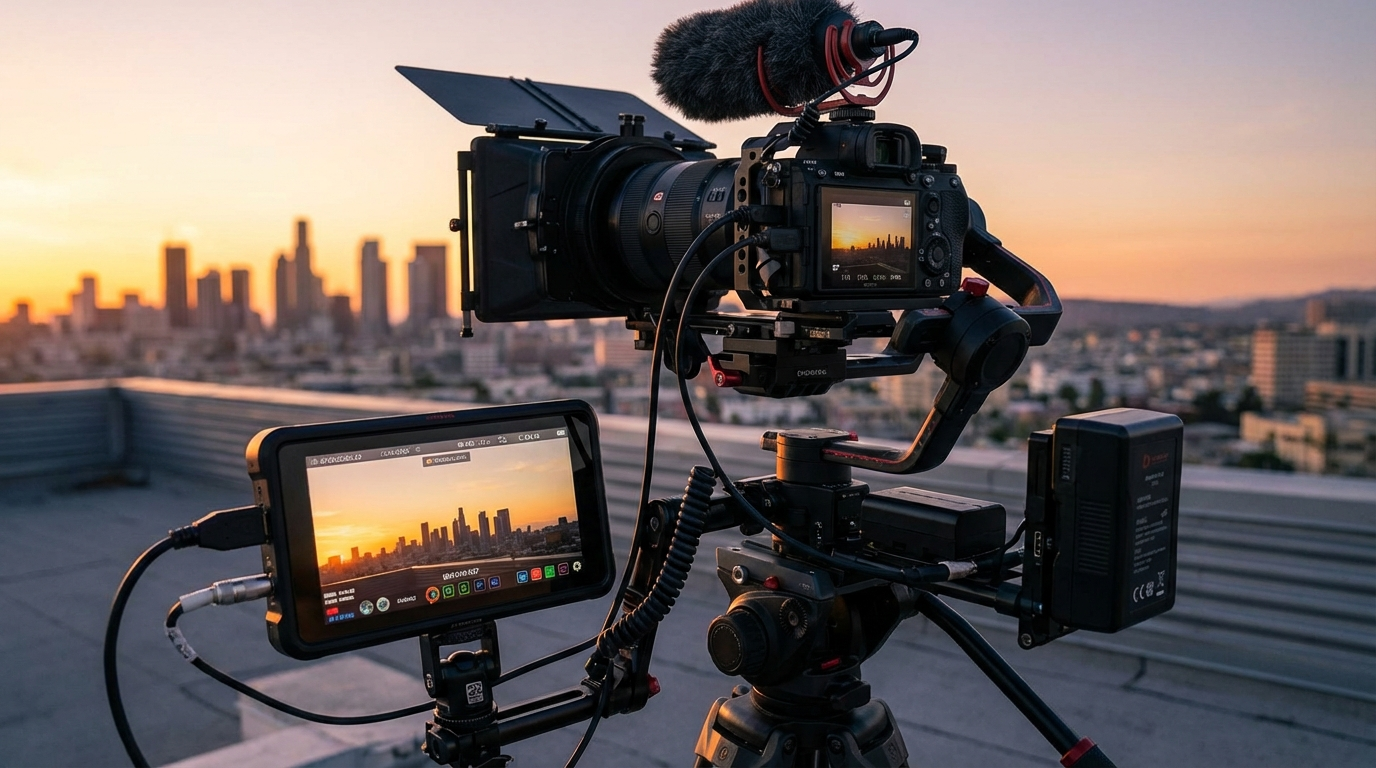
The stock video market is worth over $4 billion in 2026 and growing at 12% annually. Every YouTube creator, marketer, social media manager, and business owner needs video content, and most of them do not have the time or equipment to shoot their own. That is where you come in. Selling stock video footage online is one of the most genuinely passive income streams available, because clips you shoot once can sell hundreds or thousands of times.
The barrier to entry has dropped dramatically. Modern smartphones shoot 4K video that stock platforms happily accept. You do not need a $5,000 camera. You need an eye for what sells, a systematic approach to uploading, and the patience to build a library that compounds over time.
📌 Key stat: Top stock video contributors earn $5,000-$30,000/month from libraries of 2,000-5,000 clips. Even beginners with 200-500 quality clips typically earn $200-$800/month. Each clip is an asset that earns indefinitely.
Why Stock Video Is a Smart Passive Income Play
Unlike most online business models that require constant content creation, stock video is truly passive once uploaded. Here is why it is compelling in 2026:
- Sell the same clip infinite times: A single 15-second clip of a city skyline at sunset can sell 500+ times. Your production cost is fixed, but your revenue is unlimited.
- Video demand is exploding: Short-form video on TikTok, Reels, and YouTube Shorts has driven massive demand for B-roll footage. Businesses creating social media content need stock footage constantly.
- AI has increased demand, not decreased it: AI-generated video is improving but still cannot match real-world footage for authenticity. Businesses specifically seek genuine footage for credibility. The "authentic" and "real" aesthetic is premium.
- Multiple platforms, multiple revenue streams: Upload the same clip to 5-6 platforms and earn from all of them simultaneously. There is no exclusivity requirement on most platforms.
- Compounding returns: A library of 100 clips earning $2/month each is $200/month. Grow that to 1,000 clips and it is $2,000/month. The math rewards consistency.
Best Platforms to Sell Stock Video in 2026
Not all stock platforms are equal. Focus your energy on the ones that pay best and have the most buyers:
Shutterstock
The largest stock media marketplace. Pays 15-40% commission depending on your contributor level. High volume of sales due to massive buyer base. Accepts 4K and HD footage. Best for general-purpose footage that appeals to a broad audience. This should be your primary platform.
Adobe Stock
Integrated with Adobe Creative Cloud, which means millions of editors and designers can purchase your footage without leaving Premiere Pro or After Effects. Pays 35% commission on video clips. Excellent for creative and artistic footage. The Adobe integration is a huge distribution advantage.
Pond5
You set your own prices, which is unique among major platforms. Higher per-clip earnings potential but lower sales volume than Shutterstock. Pays 40-60% commission. Best for premium, niche, or specialized footage where you can command higher prices.
Getty Images / iStock
Premium marketplace with higher per-sale payouts. More selective about what they accept. Pays 15-45% depending on exclusivity and contributor status. Best for high-quality, professionally-shot footage. The application process is more rigorous but worth it for the premium pricing.
Artgrid (by Artlist)
Subscription-based platform popular with filmmakers and content creators. Pays per download from a revenue pool. Tends to favor cinematic, story-driven footage. Growing rapidly as Artlist's subscriber base expands.
Storyblocks
Another subscription model. Pays contributors from a revenue pool based on downloads. Good supplementary platform. Accepts a wide range of footage styles.
What Kind of Footage Actually Sells
This is the most important section in this article. Shooting beautiful footage is meaningless if nobody is searching for it. Here is what buyers actually want:
Business and Technology
Office scenes, people working on laptops, team meetings, handshakes, coding on screens, server rooms, people using phones. This is the highest-demand category because every company and marketer needs this footage. Diverse representation is essential. Buyers specifically search for inclusive, modern workplace imagery.
Lifestyle and People
Families at parks, friends at cafes, people exercising, cooking, shopping, traveling. Authentic, candid-style footage outperforms staged shots. Natural lighting, genuine expressions, and diverse subjects sell best. Avoid anything that looks like a stock photo cliché.
Nature and Landscapes
Drone footage of coastlines, forests, mountains, and cityscapes. Time-lapses of sunsets, clouds, and traffic. Seasonal footage (autumn leaves, snow, spring flowers). This category has more competition but the demand is bottomless because it is used across every industry.
Food and Beverage
Cooking processes, pouring drinks, restaurant scenes, food preparation close-ups. The food and beverage industry spends billions on marketing. Close-up shots with natural lighting and appetizing presentation command premium prices.
Abstract and Backgrounds
Bokeh lights, flowing water, particle effects, slow-motion abstract textures. These clips are used as backgrounds for titles, transitions, and presentations. Easy to shoot, sell consistently, and have a long shelf life because they are not trend-dependent.
Trending Topics in 2026
- AI and robotics (people interacting with AI devices, robots in workplaces)
- Sustainability and green energy (solar panels, EV charging, recycling)
- Remote work and digital nomad lifestyle
- Mental health and wellness (meditation, therapy, self-care)
- Fintech and cryptocurrency (people using banking apps, digital payments)
Equipment You Actually Need
Forget what gear influencers tell you. Here is the minimum viable setup for stock video in 2026:
Budget Setup ($0-$500)
- Smartphone (iPhone 15+ or Samsung S24+): Modern phones shoot 4K at 60fps with excellent stabilization. Many top stock contributors use phones exclusively for lifestyle and street footage.
- Gimbal stabilizer ($100-$200): DJI OM series or Zhiyun Smooth. Smooth footage sells. Shaky footage gets rejected. A gimbal is non-negotiable if you are shooting handheld.
- Tripod ($30-$80): For static shots, time-lapses, and interviews. Any sturdy tripod works.
Intermediate Setup ($1,000-$3,000)
- Mirrorless camera ($800-$2,000): Sony A7C II, Canon R50, or Fuji X-S20. Better low-light performance, interchangeable lenses, and 10-bit color for professional grading.
- Standard zoom lens ($200-$600): 24-70mm f/2.8 equivalent. Covers most stock video scenarios.
- ND filter ($30-$80): Variable ND filter lets you shoot with wide aperture in bright conditions. Essential for that cinematic shallow depth of field look.
- External microphone ($50-$200): Some stock clips sell better with ambient audio. A small shotgun mic like the Rode VideoMicro captures clean sound.
Drone Setup ($300-$1,500)
Aerial footage commands premium prices. The DJI Mini 4 Pro ($760) is the sweet spot: 4K, lightweight (under 250g so fewer regulations), and excellent image quality. Drone footage of landscapes, cityscapes, and coastlines is consistently among the highest-earning stock video categories.
Shooting Stock Video Like a Pro
Technical quality determines whether your clips get accepted or rejected. Follow these rules:
- Shoot 4K minimum: Most platforms require 4K or accept it preferentially. 4K footage also lets you crop and reframe in post without losing quality.
- 24fps for cinematic, 30fps for general, 60fps for slow-motion: Know which framerate to use. Slow-motion (60fps played at 24fps) adds production value to simple shots.
- Hold each shot for 10-20 seconds: Editors need at least 5 seconds of usable footage. Shoot longer to give them options. Include a few seconds of pre-roll and post-roll.
- Stabilize everything: Use a gimbal, tripod, or stabilized lens mode. Handheld shake is the number one reason clips get rejected.
- Shoot in flat/log profiles when possible: Log footage gives colorists more flexibility. Platforms like Pond5 specifically allow you to sell ungraded log footage at premium prices.
- Remove logos, brand names, and recognizable people: Unless you have model releases, avoid identifiable faces. Logos and brand marks make footage unusable for commercial purposes.
- Shoot variations of each scene: Wide, medium, and close-up of the same subject. Different angles. Different movements (pan, tilt, static). Buyers often purchase multiple angles of the same scene.
Keywording and Metadata That Drives Sales
Your footage only sells if buyers can find it. Keywording is 50% of the stock video game:
- Write descriptive titles: "Young woman using laptop in modern coworking space with natural light" beats "Woman on computer." Be specific about who, what, where, and the mood.
- Use 30-50 keywords per clip: Include descriptive words (colors, moods, actions), conceptual words (success, teamwork, growth), and technical words (4K, aerial, slow-motion). Think about what a buyer would type into the search bar.
- Use AI to generate keywords: Upload a screenshot of your clip to ChatGPT and ask for 50 relevant stock video keywords. Then edit the list to remove irrelevant suggestions. This saves hours of manual keywording.
- Study top-selling clips: Search for your subject on Shutterstock. Look at the keywords used on the best-selling clips. Use similar (not identical) keywords for your competing clips.
- Category selection matters: Put clips in the most specific relevant category. A clip of someone exercising goes in "Sports/Fitness," not just "People."
💡 Pro tip: Batch your keywording sessions. Shoot footage on weekends, then spend one evening keywording and uploading an entire batch. Use spreadsheet templates to track your library, keywords, and performance across platforms.
Building a Library That Compounds
Stock video income is a numbers game. Here is how to build a library systematically:
- Set a weekly upload target: Start with 10 clips per week. In one year, you will have 520 clips. At even $1.50/clip/month average, that is $780/month passive income.
- Shoot in batches: Dedicate 2-4 hours on a weekend to a specific theme. Go to a cafe and shoot 20 lifestyle clips. Visit a park for nature footage. Hit the city for urban scenes. Batch shooting is 5x more efficient than random shooting.
- Diversify subjects: Do not put all your eggs in one basket. Spread across business, lifestyle, nature, food, and technology. Different categories peak at different times of year.
- Upload to multiple platforms: The same clip on Shutterstock, Adobe Stock, Pond5, and Storyblocks multiplies your earning potential with zero extra production cost.
- Track what sells: After 3-6 months, analyze your sales data. Which subjects, styles, and keywords drive the most revenue? Double down on what works. Stop shooting what does not sell.
Income Projections
- Month 1-3 (Building): 50-150 clips, $20-$100/month
- Month 4-6 (Growing): 200-400 clips, $100-$500/month
- Month 7-12 (Establishing): 500-1,000 clips, $500-$2,000/month
- Year 2+ (Compounding): 1,500-3,000 clips, $2,000-$8,000/month
- Year 3+ (Mature library): 3,000-5,000+ clips, $5,000-$20,000/month
These numbers assume consistent weekly uploads and improving quality over time. The compounding effect is real: your month-one clips are still earning in month twelve and beyond.
Start Shooting Today
Grab your phone. Go outside. Shoot 10 clips of whatever is around you: traffic, trees, people walking, a coffee being poured. Upload them to Shutterstock and Adobe Stock. That is day one.
The stock video contributors earning five figures per month all started exactly like that. The difference is they kept uploading week after week, month after month, while everyone else quit after the first $5 payout. Be the one who sticks with it.
For more passive income ideas, check out our guides on stock photography for passive income and faceless YouTube channels with AI.